GigCompass
Home › Learn › How to prepare content for a presentation designer
How to prepare content for a presentation designer
Updated 2026-10-03
We may earn a commission if you hire through links on this page, at no extra cost to you. How we choose picks.
A presentation designer can turn a cluttered deck into clear, confident slides, but only if the content is ready. The most common cause of delays and extra costs is changing the message while design is in progress. When the outline, text and data are settled first, the designer can focus on layout, charts and visual storytelling. This article explains what to prepare before you hire, whether the deck is for investors, sales, training or a conference.
1. Purpose and audience
Write down who will see the presentation and what you want them to think or do afterwards. An investor deck needs a clear story and key numbers. A sales deck focuses on customer problems and results. A training deck must be easy to follow without a presenter. Say whether the deck will be presented live, sent as a file to read alone, or both, because a deck read alone needs more text than one supported by a speaker.
2. A slide-by-slide outline
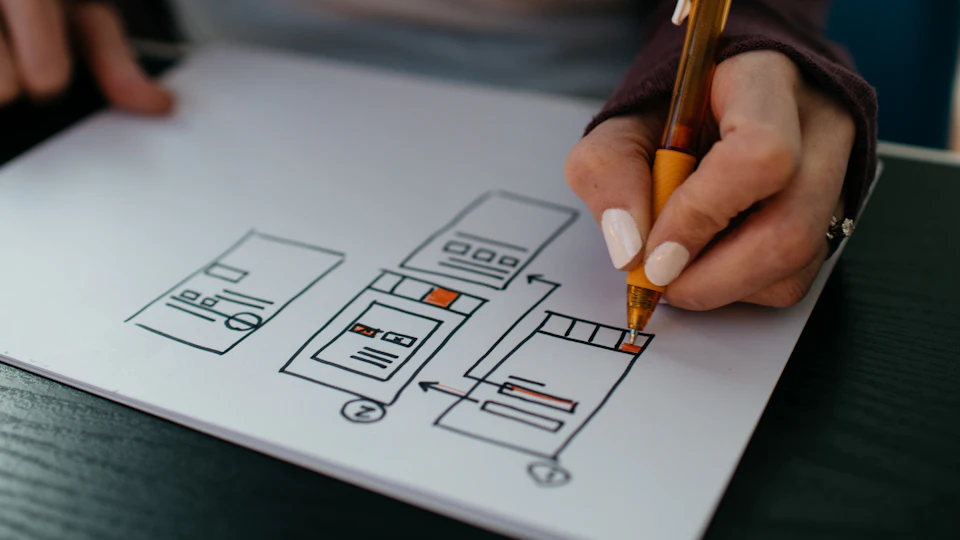
Prepare an outline that lists each slide's main point, in order. You do not need to design anything; a simple document with a heading and a few lines per slide is enough. The outline lets the designer estimate the work accurately and spot where a chart, diagram or image would explain an idea better than words. If you struggle with the story, a presentation specialist or speechwriter can help shape it before design starts.
3. Final text, kept short
Write the final text for each slide, then cut it. Slides with long paragraphs force designers to shrink fonts and crowd layouts. Move detail into speaker notes or an appendix. Check spelling, names and figures before handing over, because every correction after design takes time and can shift layouts.
4. Data for charts
If the deck includes charts, send the underlying numbers in a spreadsheet, not screenshots of old charts. Say what each chart should show, for example growth over time or comparison between products, and which number matters most. The designer can then choose the clearest chart type and highlight the key point. For complex data stories, an infographic designer or data visualization specialist may help.
5. Brand assets and examples
Share your logo files, brand colors, fonts and any brand guidelines. Include photos, product screenshots and icons you want used. Send one or two decks you admire and explain what you like about them. If you have an existing template, say whether the designer should follow it or create a new one.
6. Software and editing
Agree on the software early. Choose the tool you will present from and edit in, so you can update numbers and text later. Fonts matter here too: if the designer uses fonts you do not have installed, the slides will look different on your computer. Ask for fonts that are available on the presenting computer, or for the font files and licenses. Ask for a reusable template if you create decks often.
7. Timeline and revisions
Allow time for a first draft, your review, revisions and a final check on the device you will present from. Rushed decks often end with formatting problems discovered minutes before a meeting. Agree on the number of revision rounds and send feedback in one consolidated list, referring to slide numbers.
8. Handover and reuse
Ask for the final editable file, any icons and images used, and a short note about fonts and slide layouts. If the designer creates a template, ask them to include example slides for common content, such as a title slide, a chart slide and a team slide. This makes future decks quicker and keeps your presentations consistent, even when different people create them.
Pre-hire checklist
- Purpose, audience and how the deck will be used.
- Slide-by-slide outline.
- Final, concise text with numbers checked.
- Chart data in spreadsheets with the key message noted.
- Logo, colors, fonts, images and example decks.
- Software, fonts and template needs agreed.
- Deadline that leaves time for review and rehearsal.
Our presentation design guide covers how to compare designers and what packages usually include.
FAQ
Should the content be final before design starts?
As close as possible. Major changes during design take extra time and may cost more.
How many slides should I have?
As few as the message needs. Often one idea per slide works best.
Which software should the designer use?
The one you will present and edit in, so you can make small changes yourself.
Can a designer write the content too?
Some can, but writing and design are different skills. Agree on who does what.
What is a slide template?
A master design with layouts you can reuse for future decks.