GigCompass
Home › Learn › How to organize and keep files from freelance projects
How to organize and keep files from freelance projects
Updated 2026-10-03
We may earn a commission if you hire through links on this page, at no extra cost to you. How we choose picks.
When a freelance project ends, the files you receive are what you keep. Months later, you may need to update a logo, edit a video, change website text or brief a new freelancer. If source files are missing, licenses lost or accounts in someone else's name, small updates turn into expensive rework. A little organization at the end of each project protects your investment. This article explains what to request, how to store it and how to hand work over smoothly.
1. Know what to request
Before the project ends, and ideally before it starts, agree on the files you will receive. Typical deliverables include:
- Final files in all required formats and sizes.
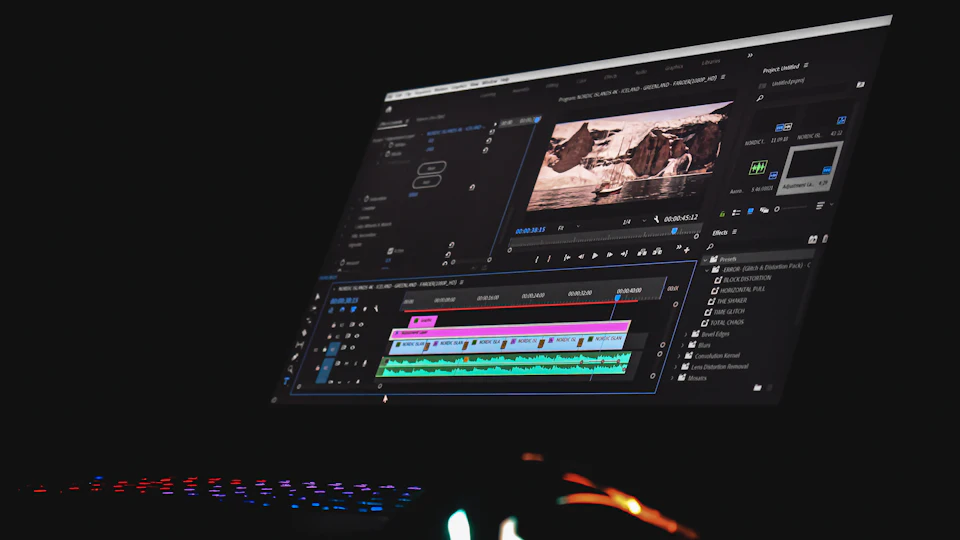
- Source files: layered design files, vector masters, video and audio project files, code repositories or editable documents.
- Assets: fonts or font information, images, icons, music and footage used, with licenses.
- Documentation: style notes, setup instructions, color codes and anything needed to recreate or update the work.
Source files are not always included in basic packages, so check before ordering if you need them. Our logo file formats article shows what a complete logo package looks like.
2. Check files before closing
Open every file on your own computer before approving the final delivery. Check that formats open correctly, fonts display properly, links in documents work and nothing is missing. It is much easier to request a missing file while the freelancer is still working with you than months later.
3. Use a clear folder structure
Store files in a cloud folder owned by your business, not in a personal account or the freelancer's drive. Use a simple, consistent structure, for example: project name and date, then folders for final files, source files, assets and licenses, and documentation. Name files clearly, including version and date where useful, such as logo-horizontal-color-final. Remove drafts that are no longer needed, or move them to an archive folder.
4. Keep licenses and rights records
Save licenses for fonts, stock photos, music and other assets alongside the files they relate to. Keep a copy of the agreement or order details showing the rights you received, such as commercial use or full ownership. Note any limits, like a license that covers web use only. These records matter when you reuse materials in new ways or when someone asks where an image came from.
5. Record accounts and access
List the accounts involved in the project: website hosting, domains, app stores, analytics, social media, email platforms and design tools. Make sure each is owned by your business and that you have administrator access. Remove or downgrade freelancer access when the work ends, unless they continue to maintain it. Store passwords in a password manager, not in documents.
6. Back up important files
Keep at least one backup in a separate location, such as a second cloud service or an external drive. Critical files include logo masters, brand guidelines, website and app code, video project files and anything expensive to recreate. Check occasionally that backups can actually be opened.
7. Prepare for future handovers
When a new freelancer joins, a short handover note saves time and mistakes. Include what the project is, where files live, which guidelines apply, which accounts they need and any quirks to know, such as a font that must be installed or a plugin that should not be updated. Share access through new accounts with appropriate permissions. Our coordination article explains how to keep shared information in one place.
8. Make it a routine
Organizing files is easiest at the end of each project, while details are fresh. Create a simple closing checklist and use it every time. Over a few projects, you build a library of well-organized assets that make future work faster and cheaper.
Project closing checklist
- Final files in all formats received and opened.
- Source files and assets collected.
- Licenses and rights records saved.
- Files stored in your business's cloud folder with a clear structure.
- Accounts owned by you, access updated.
- Backup in a second location.
- Handover note for future freelancers.
Our delivery checking article explains how to review work before you approve it.
FAQ
What are source files?
The editable working files, such as layered design files or video project files, used to create the final output.
Are source files always included?
Not always. Check the package and ask before ordering if you need them.
Where should I store project files?
In a cloud folder owned by your business, with a backup in a second location.
What should I do with licenses?
Save them with the files they relate to, noting what each allows.
How do I hand work to a new freelancer?
Share the organized folder, guidelines, access through new accounts and a short handover note.