GigCompass
Home › Learn › How an online course is made: steps and freelance roles
How an online course is made: steps and freelance roles
Updated 2026-10-03
We may earn a commission if you hire through links on this page, at no extra cost to you. How we choose picks.
Online courses and training programs combine teaching, writing, design and video. Experts often start by recording long videos, then discover that learners drop off, the material is hard to update and the platform does not track what they need. Planning the course in stages, and bringing in freelancers where they help most, leads to better learning and less rework. This article walks through the usual steps and the freelance roles involved.
1. Define learning goals
Start with what learners should be able to do after the course, written as actions: set up an account, write a project plan, use a tool safely. Clear goals keep the course focused and make it easier to decide what to cut. Describe the learners too: their current knowledge, why they are taking the course and how much time they have. A course for busy professionals needs short, practical lessons; a course for beginners needs more explanation and examples.
2. Build an outline
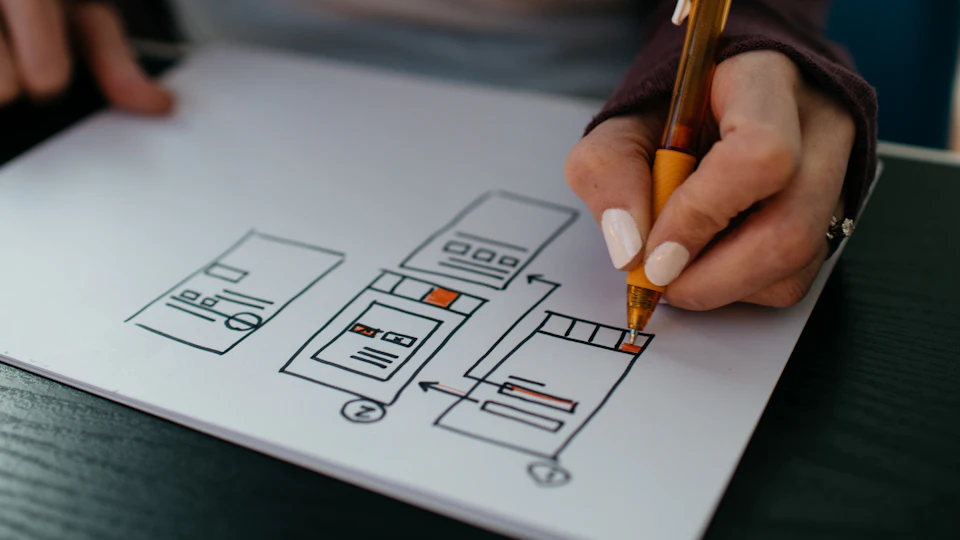
Group the content into modules, and each module into short lessons that cover one idea. For each lesson, note the key points, an example and a small activity. An e-learning content developer or instructional designer can turn your expertise into a structured outline, suggest activities and spot gaps. This is the best stage to involve them, because changes to an outline are quick and cheap.
3. Write scripts and materials
Script each video lesson, even if you will speak naturally on camera. Scripts keep videos short and make captions and translations easier later. Prepare supporting materials such as worksheets, checklists, templates and reading notes. A technical writer can help with step-by-step instructions for software or processes.
4. Design slides and visuals
Consistent, clean slides help learners follow along. Ask a presentation designer for a reusable template with layouts for titles, key points, diagrams and examples. Diagrams and simple animations can explain processes better than text. For difficult concepts, a short animated explainer may be worth the investment.
5. Record and edit video
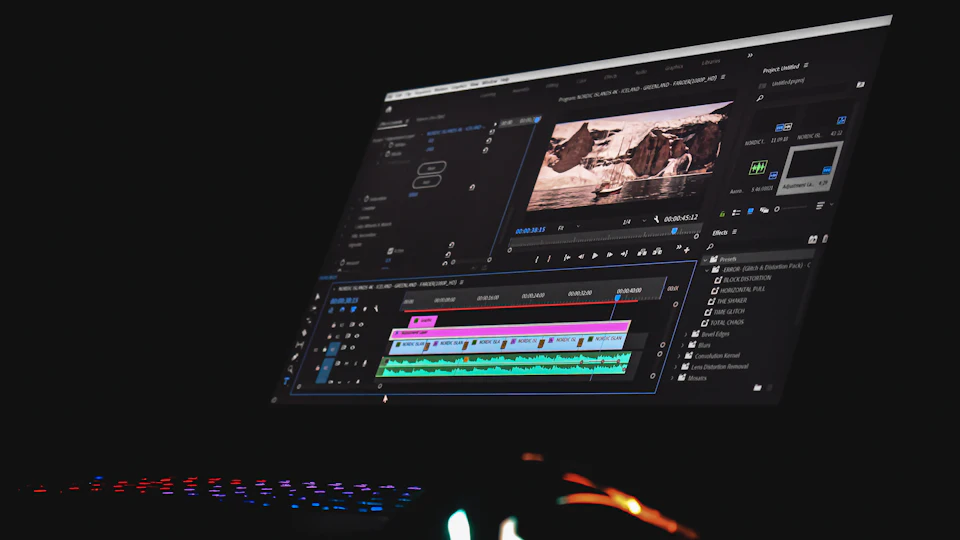
Common formats are talking-head videos, screen recordings and slide-based narration. Choose formats that suit each lesson. Software tutorials work well as screencasts; introductions and stories often benefit from seeing the instructor. Good audio is the most important technical factor, so use a decent microphone and a quiet room. An e-learning video producer can edit lessons, add titles, zooms and captions, and keep the style consistent across the course.
6. Add activities and quizzes
Learners remember more when they practise. Add short quizzes after lessons, exercises that apply the skill and, where possible, a final project. Quiz results also show you which lessons are unclear. Keep questions focused on the learning goals rather than trivia.
7. Set up the platform
Choose a platform based on how you will sell or deliver the course, whether you need certificates, progress tracking or integration with other systems. Upload lessons, set up quizzes and test the full learner journey yourself, including sign-up, payment if relevant, completion and certificates. Add captions to improve accessibility and help learners who watch without sound.
8. Launch, listen and update
Run the course with a small group first and collect feedback. Look at where learners stop, which quiz questions they miss and what questions they ask. Short lessons make updates easy: you can replace a single video instead of re-recording an hour. Keep your scripts, slides and project files organized so updates stay quick.
Where to spend first
If budget is limited, invest first in a clear outline and good audio. Learners forgive simple visuals, but they quickly abandon lessons that are confusing or hard to hear. Polished animation and custom graphics can be added later to the lessons people value most.
Freelance roles at a glance
| Stage | Freelancer |
|---|---|
| Outline and activities | Instructional designer, e-learning developer |
| Scripts and guides | E-learning or technical writer |
| Slides and diagrams | Presentation designer |
| Video editing | E-learning video producer |
| Narration | Voice over artist |
| Captions and translation | Subtitle specialist, translator |
You do not need every role. Many courses start with an expert, a video editor and a slide template, then add more help as the course grows.
FAQ
How long should course videos be?
Short lessons, often a few minutes each, are easier to watch, update and revisit.
Do I need a professional studio?
No. Clear audio, good lighting and well-prepared slides matter more than expensive equipment.
What is an instructional designer?
Someone who structures learning content so people understand and remember it.
Should I include quizzes?
Short checks help learners remember and show you where the course is unclear.
Which platform should I use?
One that fits your audience, pricing model and tracking needs; for staff training, check what your organization already uses.