GigCompass
Home › Learn › How an animated explainer video is made, step by step
How an animated explainer video is made, step by step
Updated 2026-10-03
We may earn a commission if you hire through links on this page, at no extra cost to you. How we choose picks.
An animated explainer video turns a complicated idea into a short, clear story. Behind a two-minute video sits a series of stages, and each one builds on the last. Knowing the stages helps you plan time and budget, choose the right freelancer and, most importantly, give feedback at the moments when changes are cheap. This article walks through the typical production process from first brief to final file.
1. Brief
Everything starts with a brief: who the video is for, the problem your product solves, the single message viewers should remember and the action they should take next. Include where the video will be shown, the target length and examples of styles you like. A focused brief leads to a focused video. Our video brief article covers what to include.
2. Script
The script is the foundation. It usually follows a simple structure: the viewer's problem, your solution, how it works, and a call to action. At about 130 to 160 words per minute, a 90-second video holds roughly 200 to 240 words. Spend time here. Changing words at this stage is easy, while changing them after animation means redoing scenes. A scriptwriter experienced in explainers can make the message clearer and shorter.
3. Voice over
Once the script is approved, the voice over is recorded. Animation is timed to the voice, so the recording normally comes before animation starts. Choose a voice that suits your audience and brand, and provide pronunciation notes for product names. See our voice over script article for how to prepare.
4. Storyboard
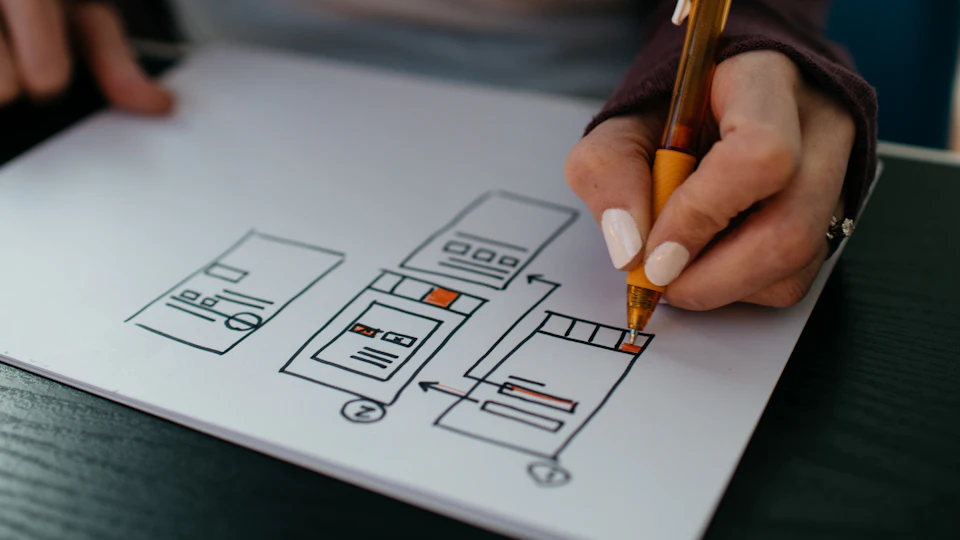
The storyboard is a sequence of rough sketches showing what happens on screen for each line of the script. It is the plan for the whole video: scenes, characters, transitions and text. This is the most important stage for visual feedback. If an idea is not clear in the storyboard, it will not be clear in the animation. Ask yourself whether someone could understand the story from the frames alone.
5. Style frames
Style frames are a few fully designed still images showing the final look: colors, characters, backgrounds and typography. They make sure the visual style is right before every scene is drawn. Share your brand colors, fonts and logo early so the style frames match your brand.
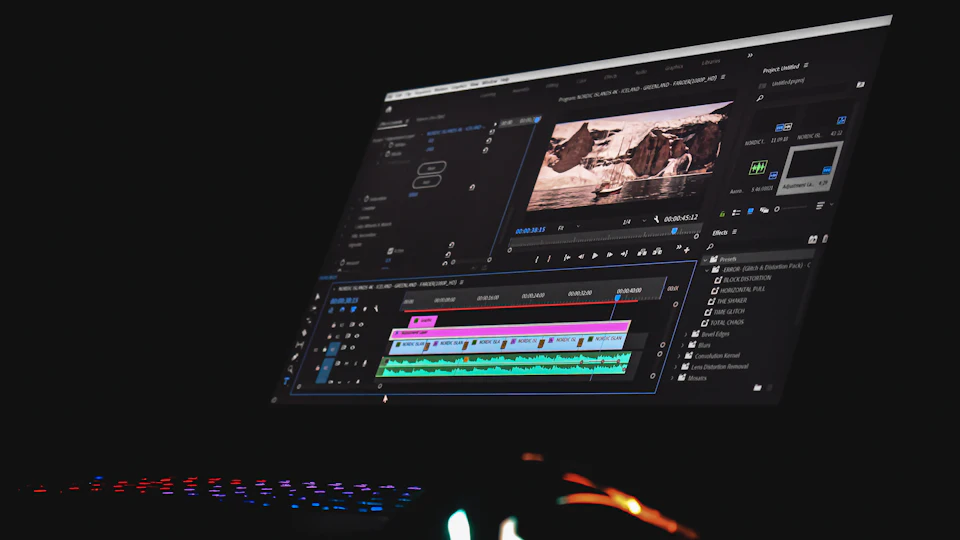
6. Animation
Now the animator brings the scenes to life, timed to the voice over. This is the longest stage. Feedback here should focus on timing, motion and small visual details, not on new ideas or script changes, which belong to earlier stages. Most freelancers include a set number of revision rounds for animation, so collect all comments into one list with timestamps.
7. Music and sound effects
Background music and subtle sound effects make animation feel finished. Make sure music is licensed for your intended use, especially for ads. Sound designers can add effects that match on-screen movement, which adds polish without distracting from the message.
8. Delivery and versions
Agree on the final formats in advance: horizontal for websites, vertical or square versions for social media, versions with and without captions, and perhaps shorter cut-downs for ads. Ask whether project files are included, since they allow future updates, such as a changed price or new feature, without starting again.
Typical timeline
A simple 60 to 90 second explainer often takes two to five weeks from brief to final file, depending on style and how quickly you give feedback. Script and storyboard approval usually take longer than buyers expect, because several people often want a say. Agree on who gives final approval at each stage, and gather everyone's comments before replying to the freelancer. Delays in feedback are the most common reason explainer projects run late, and fast, consolidated responses keep the whole schedule on track.
Where your feedback matters most
| Stage | Cost of changes |
|---|---|
| Script | Very low |
| Storyboard | Low |
| Style frames | Moderate |
| Animation | High |
Give thorough feedback early and approve each stage in writing before the next begins. Our animated explainer guide explains how to compare studios and freelancers, and our video editing vs animation article helps if you are still choosing between live footage and animation.
FAQ
How long should an explainer video be?
Often 60 to 120 seconds. Shorter is usually better if the message stays clear.
When is the best time to give feedback?
At the script and storyboard stages, before animation starts.
Can I change the script during animation?
It is possible but expensive, because scenes and timing must be redone.
2D or 3D animation?
2D is common and cost-effective for explainers; 3D suits products and spatial ideas.
Who records the voice over?
Either the studio arranges it or you hire a voice artist separately. Agree before starting.